Academic Research Essentials
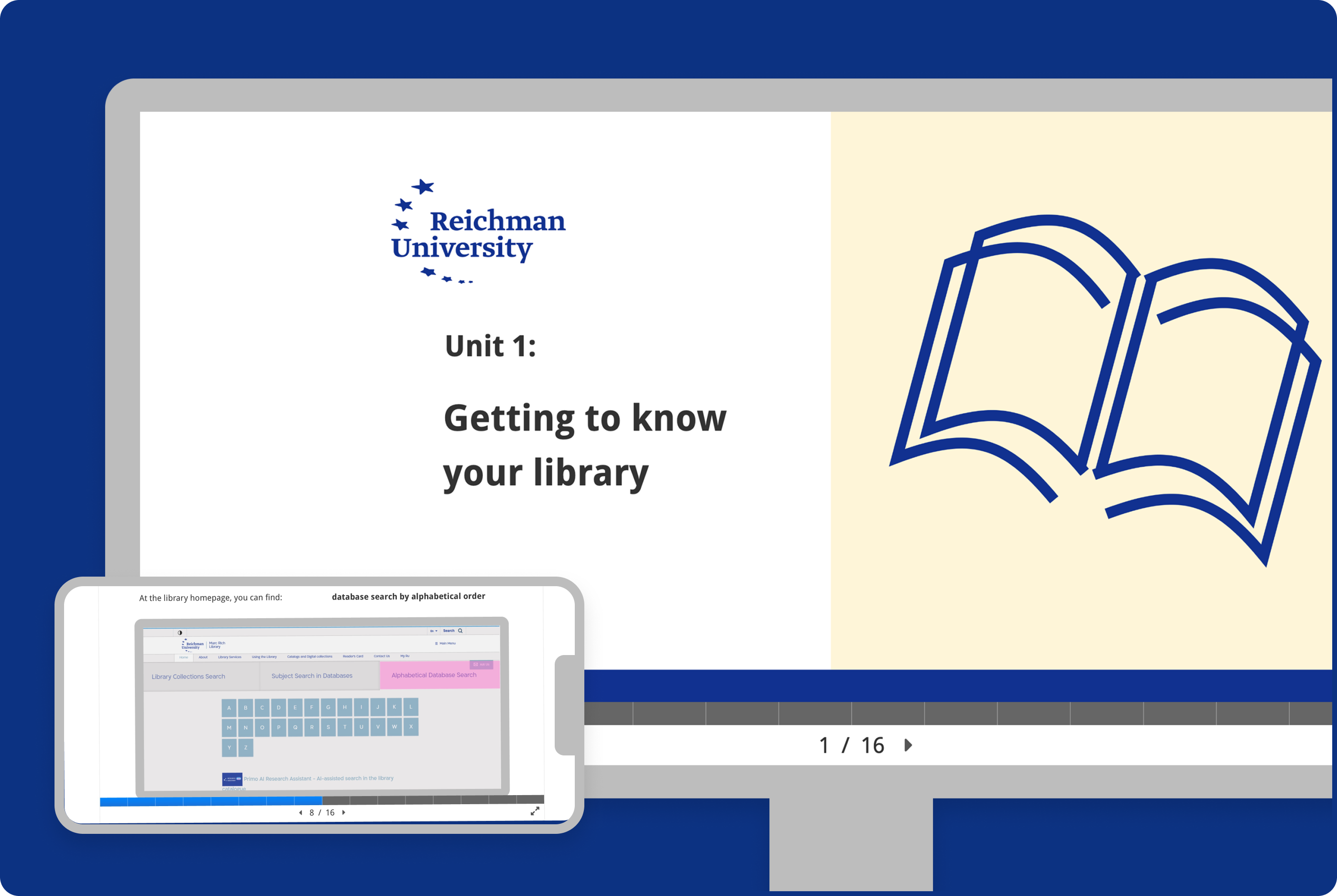
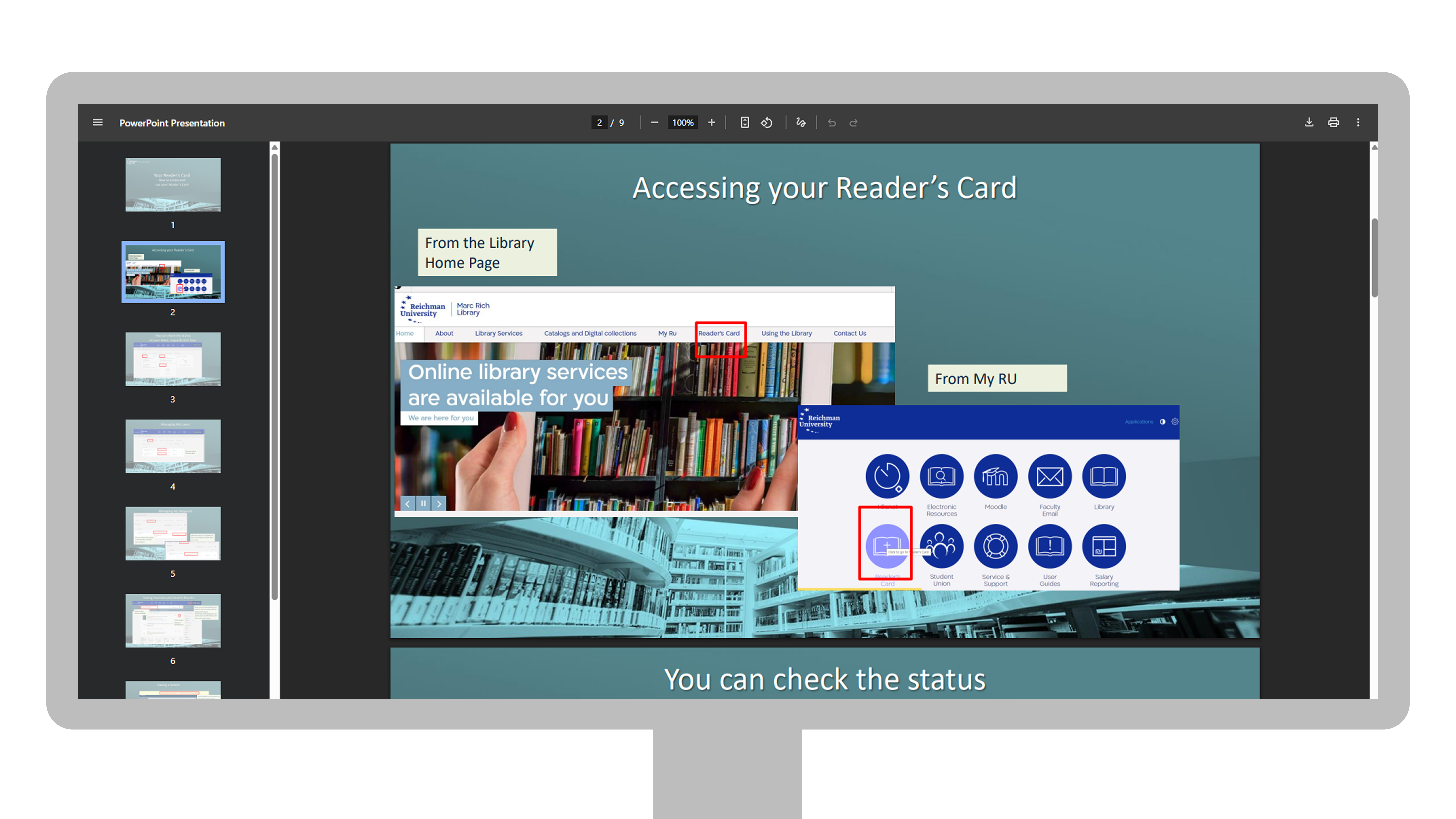
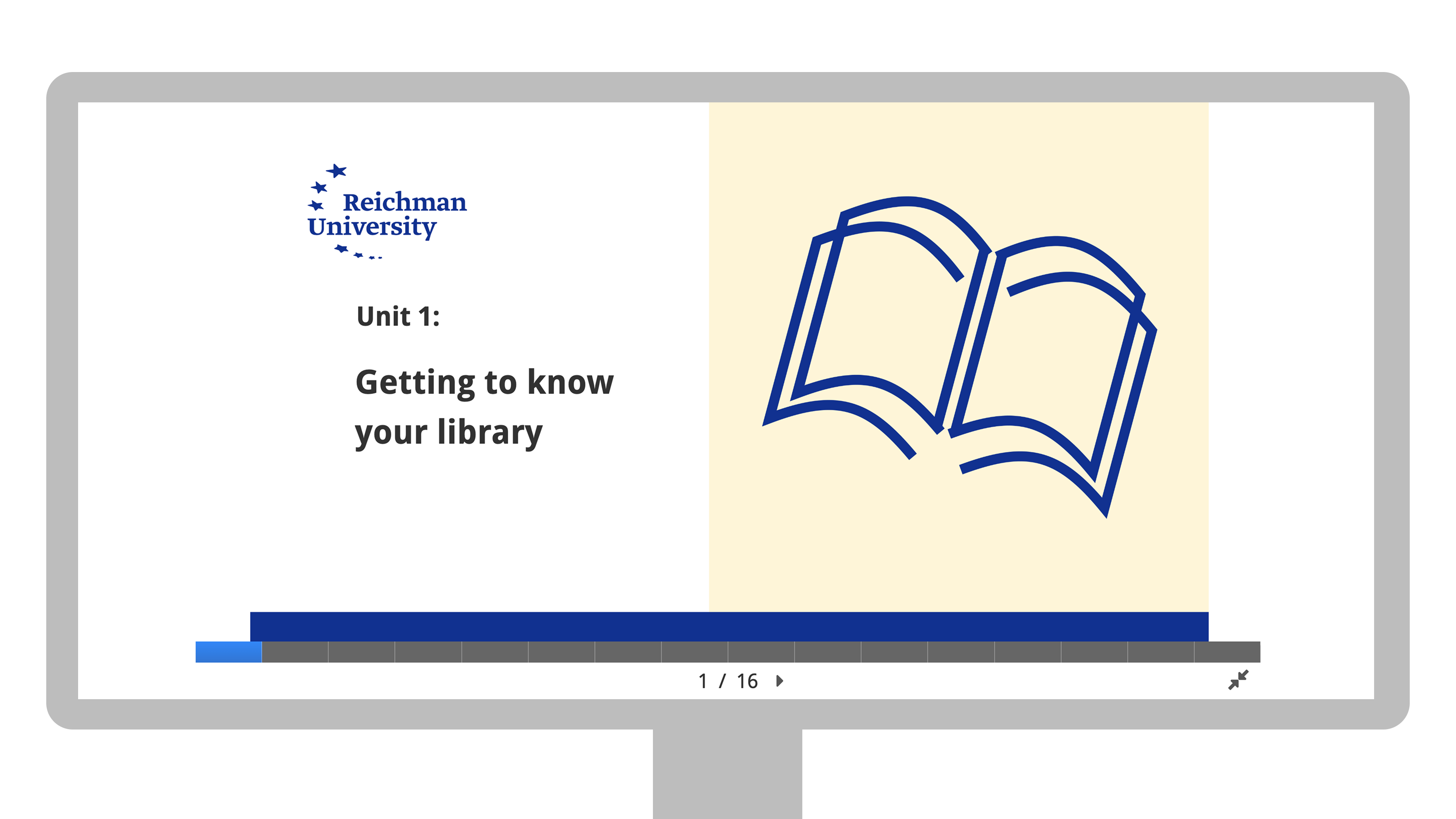
An e learning module aimed to help first year students with academic research within the online databases offered by the academic library. This includes the library catalogue and any online databases that were purchased by the university and are relevant to their course or discipline.
My Role
E-learning Designer
Tools & Softwares
Figma, H5P, NotebookLM, Umbraco
Problem statement
First year students have free access to a variety of academic databases through the university library website. Many students are unaware of these tools or are unsure how to use them effectively for academic research. The current learning resources, including workshops and recorded tutorials, are not sufficient to help them confidently perform academic research.
why is this bad?
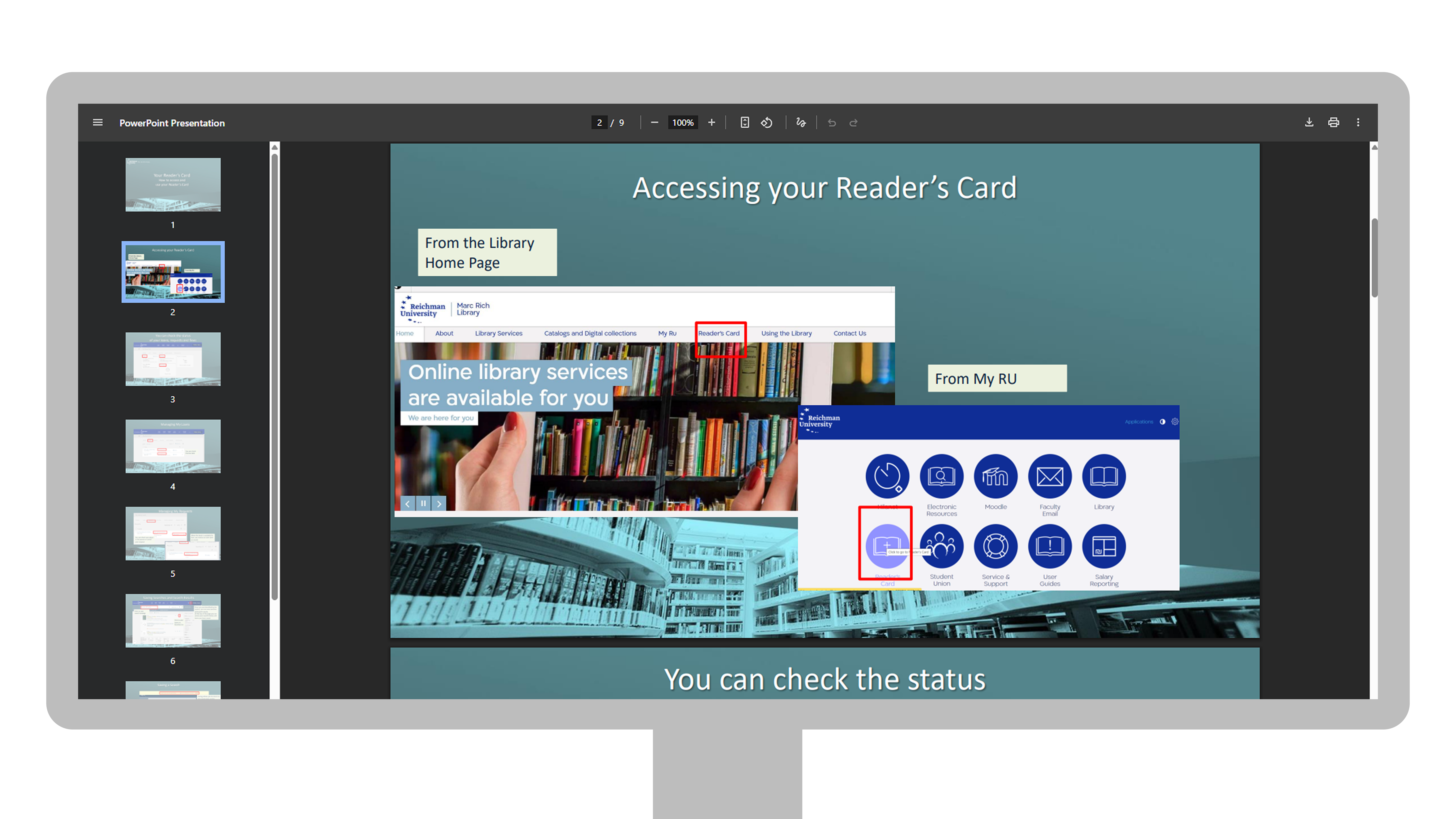
- Text heavy and confusing: Some of the tutorials are over 50 pages long and hard to apply in real time
- Difficult to update: Staff cannot easily modify content when databases are changed / added.
- Visually inaccessible: Poor hierarchy, minimal graphics, and low accessibility compliance.
Goal
The goal was to design a structured e learning course that introduces students to the university’s academic databases, teaches them how to build effective search queries, and ensures the content remains easy for staff to update when changes occur.
“Presentations held in classrooms are outdated and ineffective when it comes to teaching complex databases to first year students. the amount of information is overwhelming and each student should approach it at their own pace”
-research librarian
Research & Analysis
target learners:
- First year undergraduate and postgraduate students.
- Most are using academic databases for the first time.
- Range of digital literacy: from confident to hesitant learners.
Empathy map:
The empathy map was developed using insights gathered from a survey distributed during orientation week
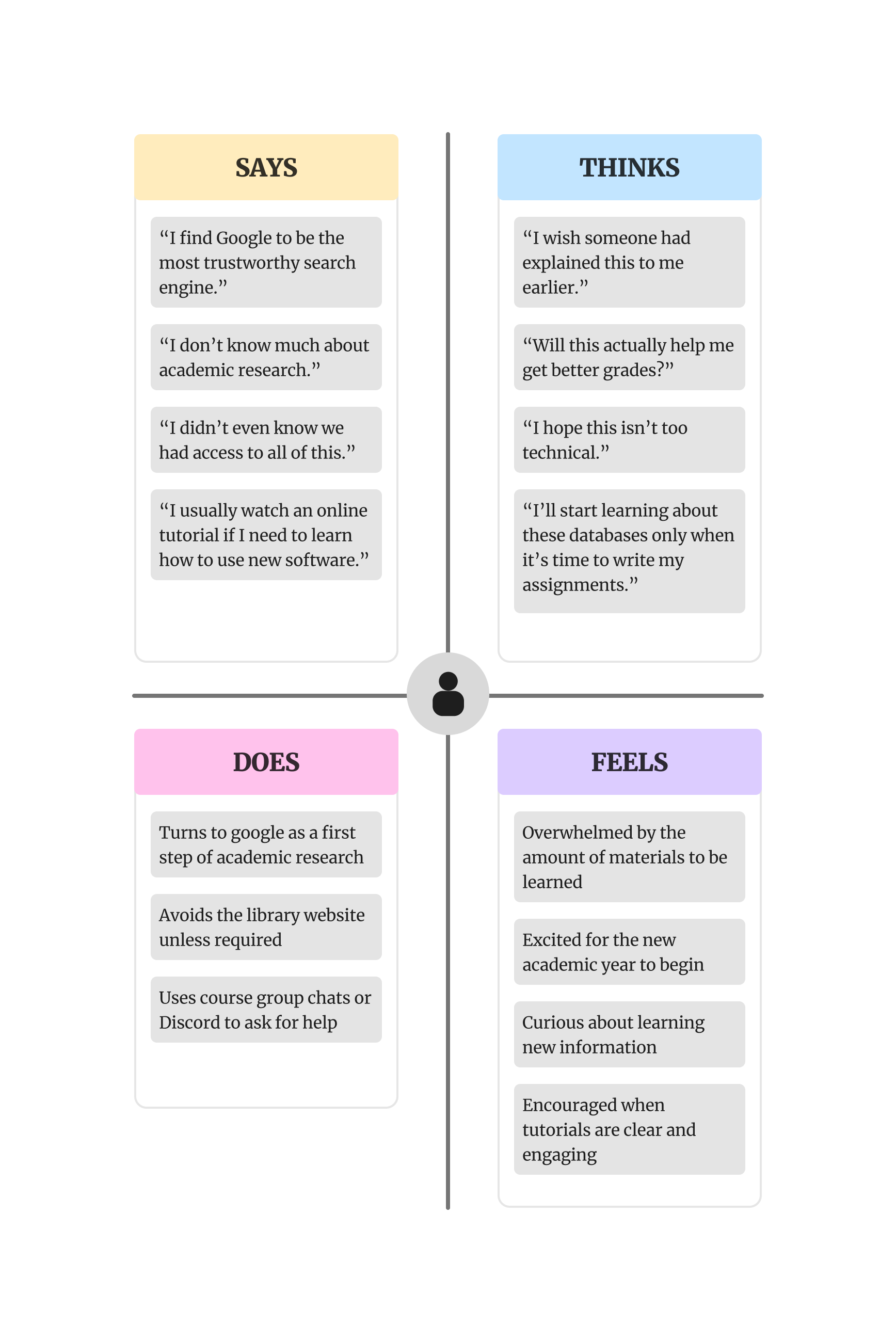
The empathy map helped prioritise user needs by highlighting students’ feelings of overwhelm, confusion, and anxiety when interacting with unfamiliar academic tools. These insights guided the decision to design a smooth, seamless experience that reduces cognitive load and builds confidence.
By emphasising clarity, consistency, and small moments of engagement, I aimed to design an experience that not only informs but also motivates users to explore and learn more.
Learning objectives
I collaborated with academic support staff and research librarians from the university library, who served as SMEs for this project. Through our discussions, I gained a deeper understanding of the key challenges students face when navigating the different databases and conducting academic research.
Their input, along with the data from the surveys, helped me define clear learning objectives focused on helping students:
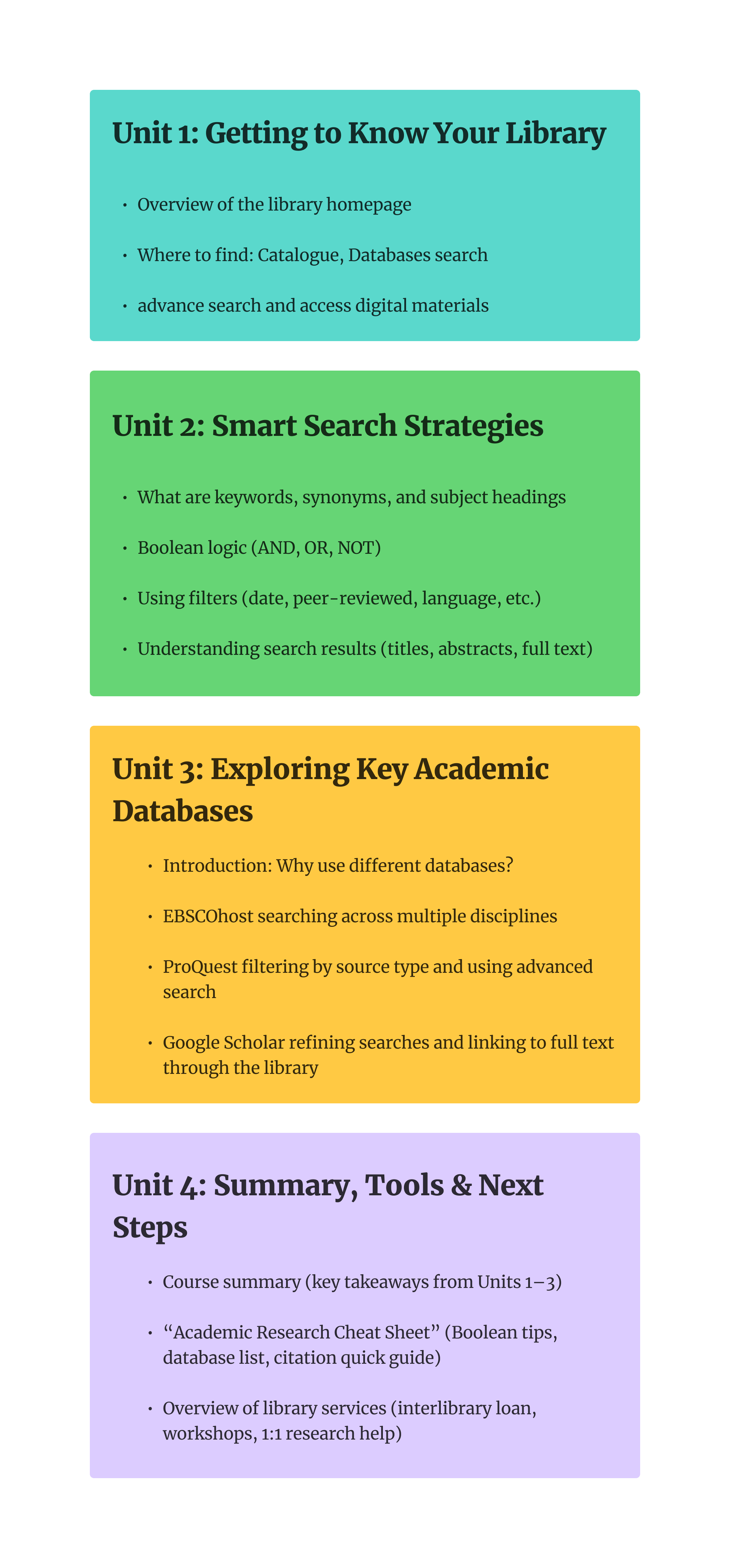
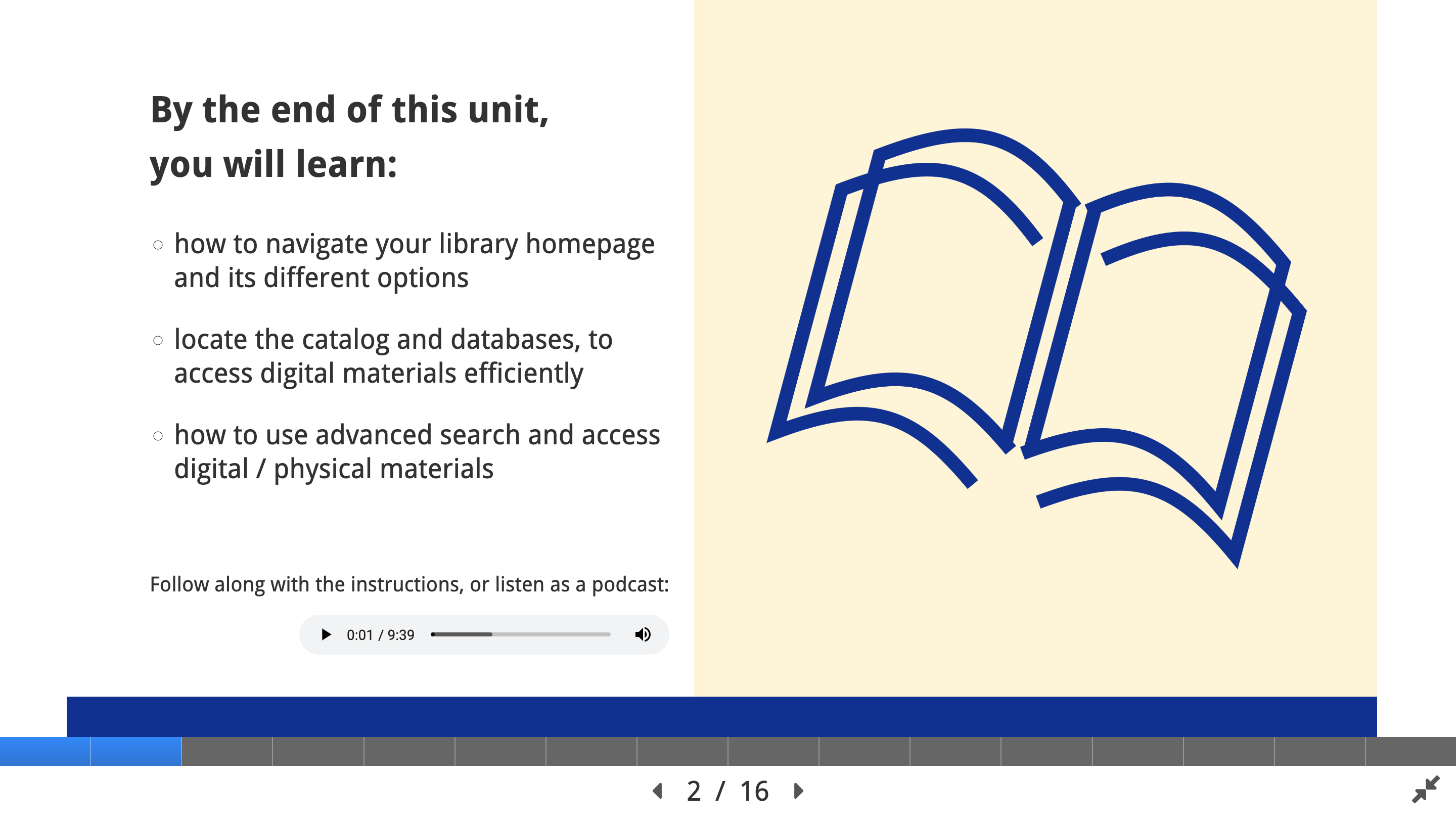
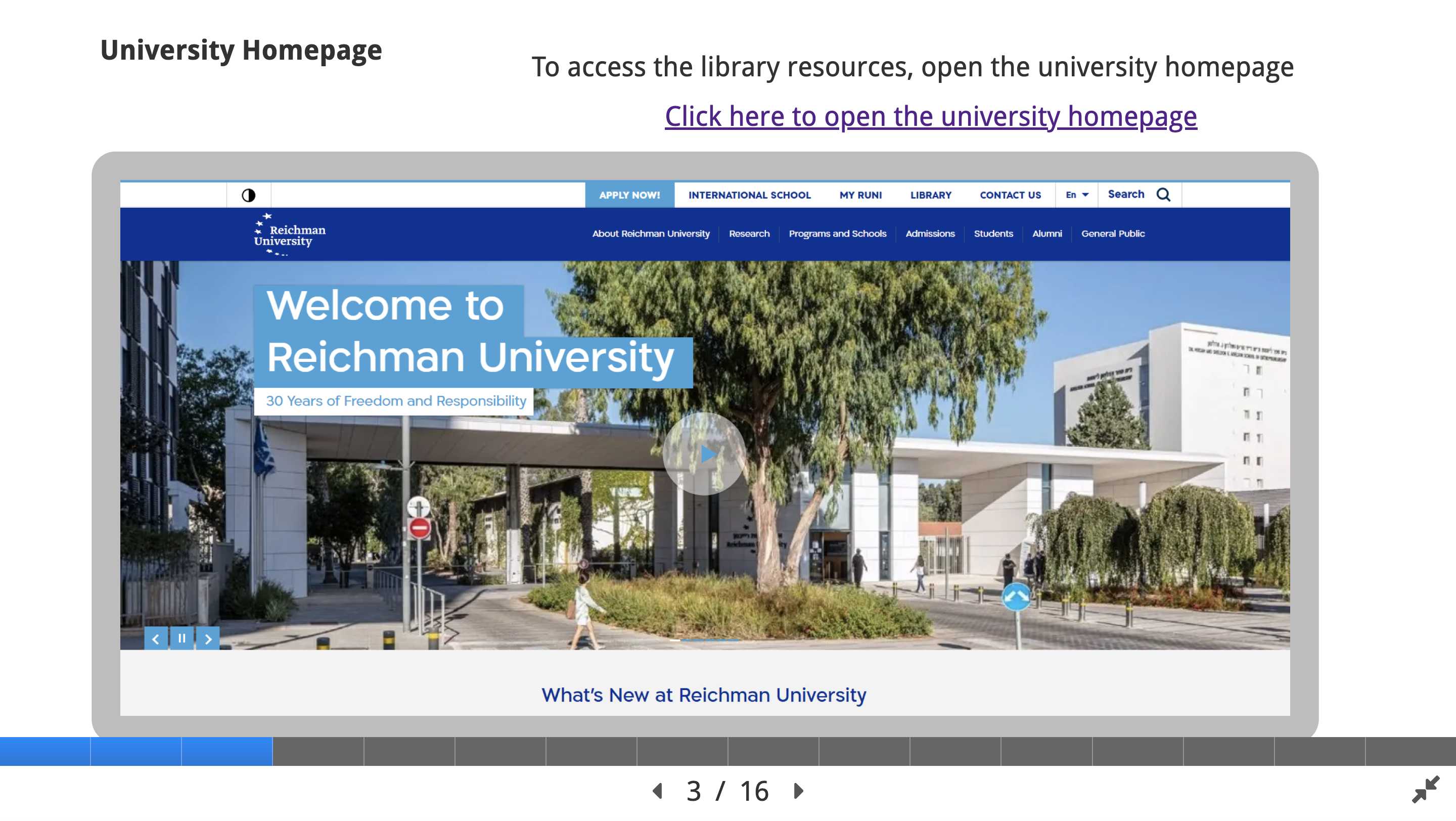
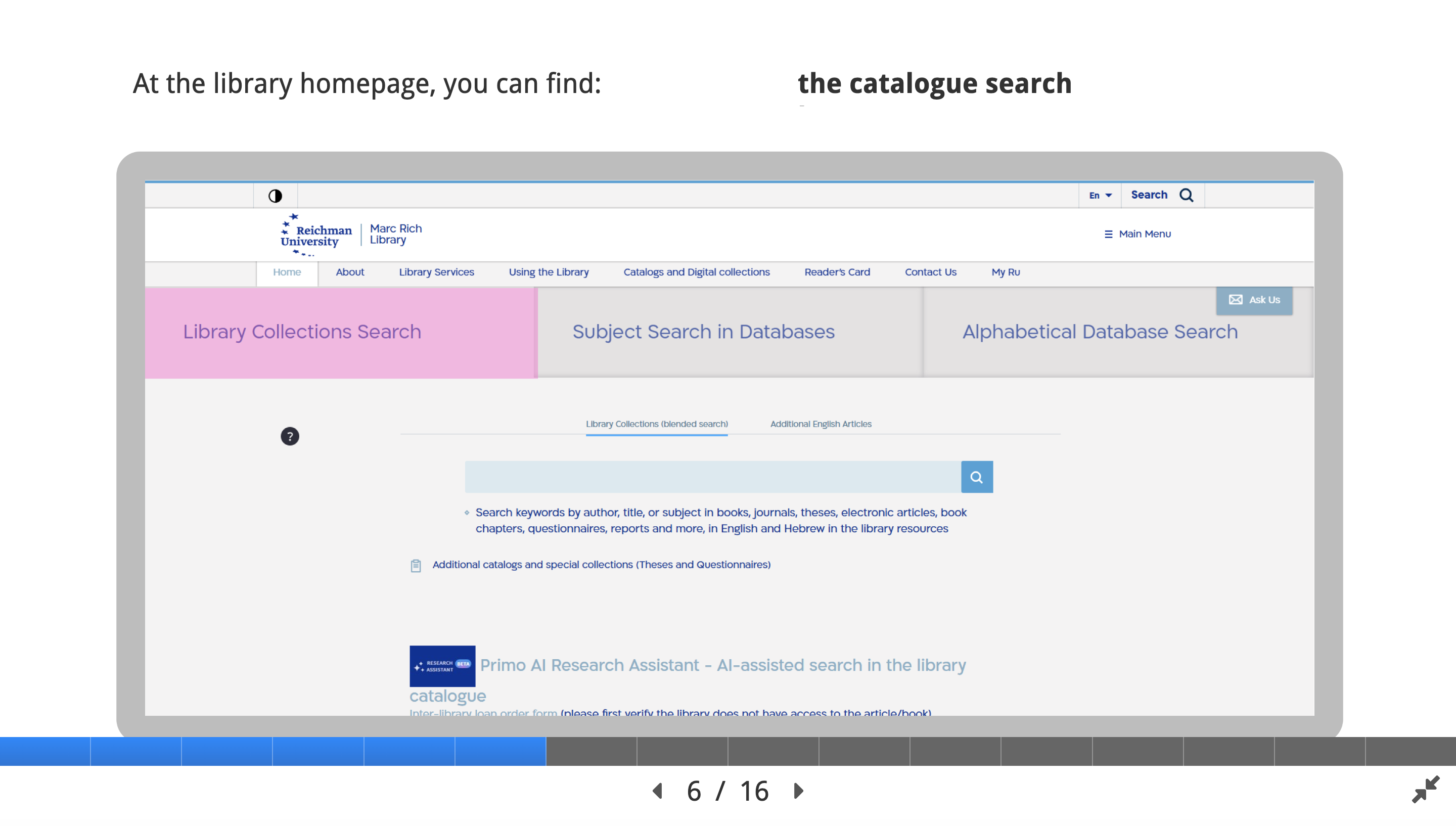
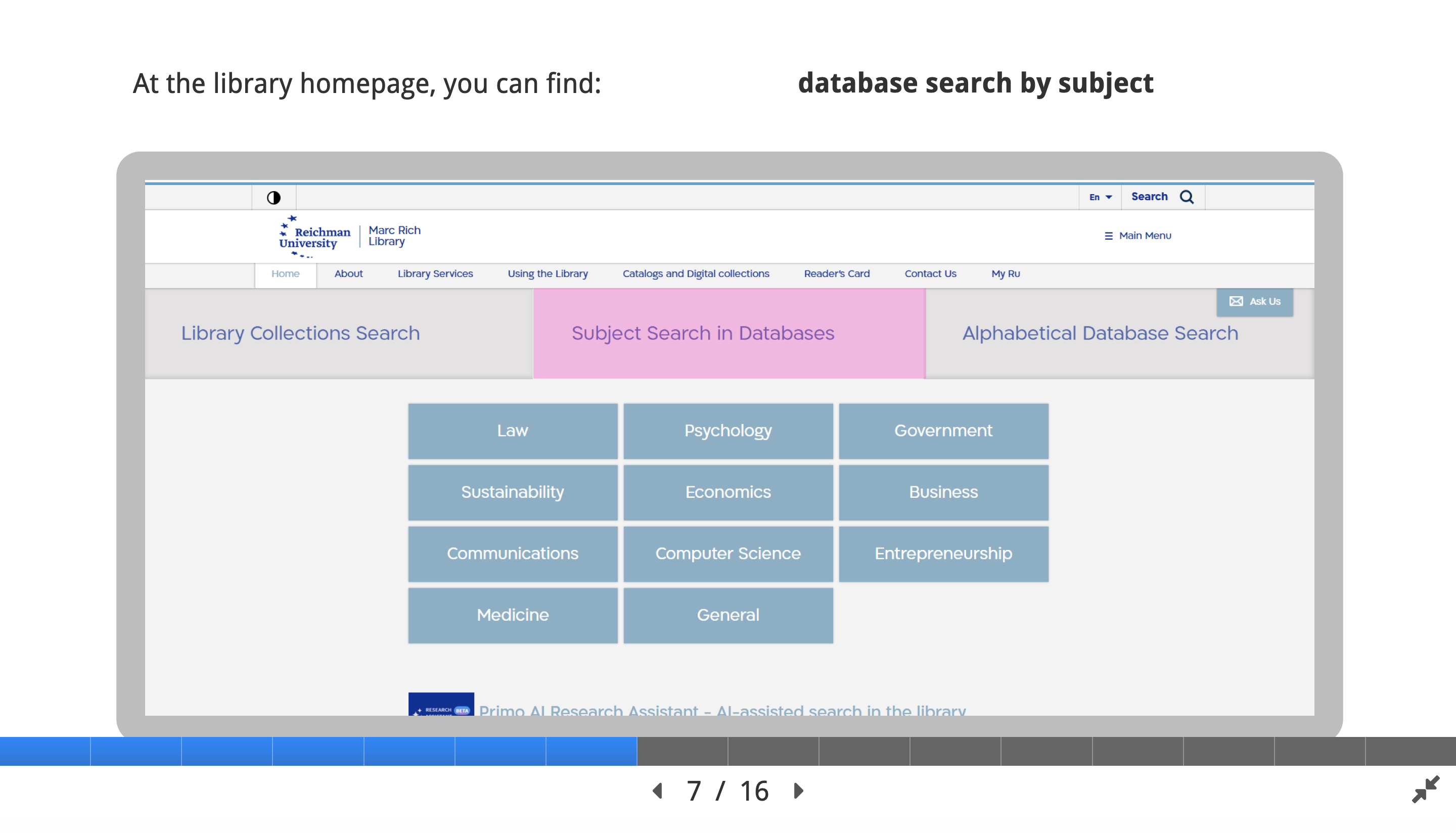
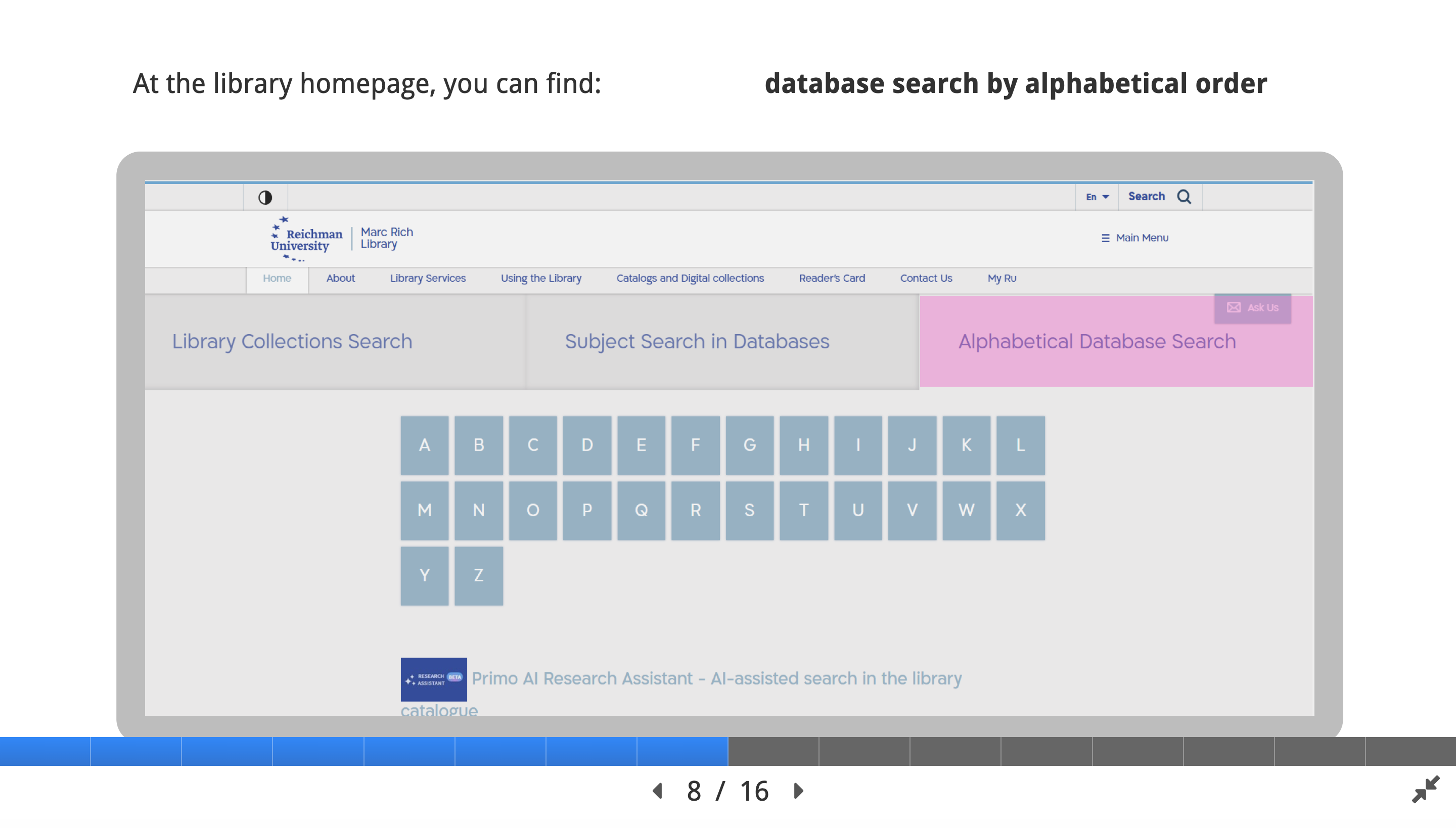
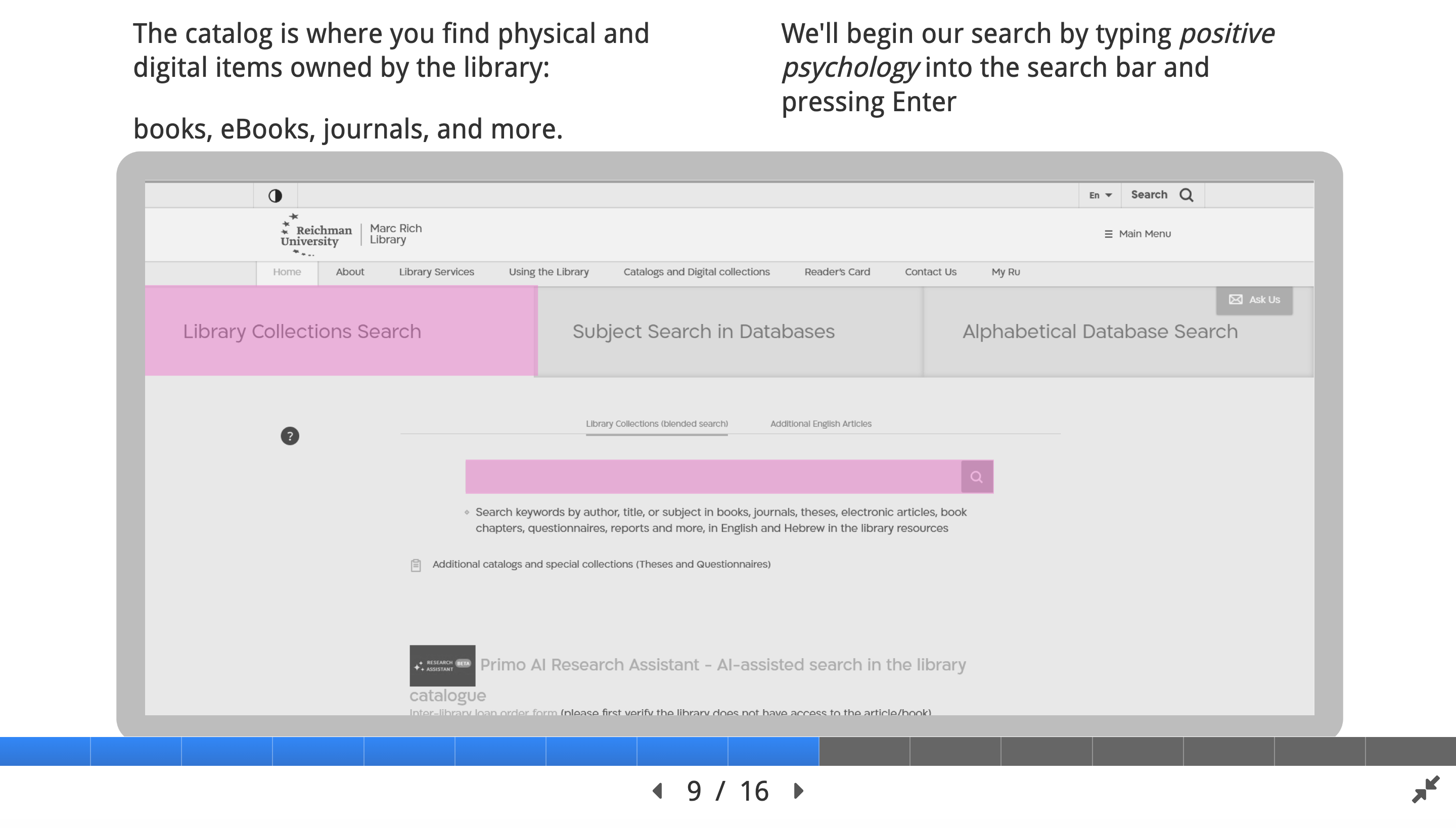
– Explore and navigate the university library website to locate key sections and resources independently.
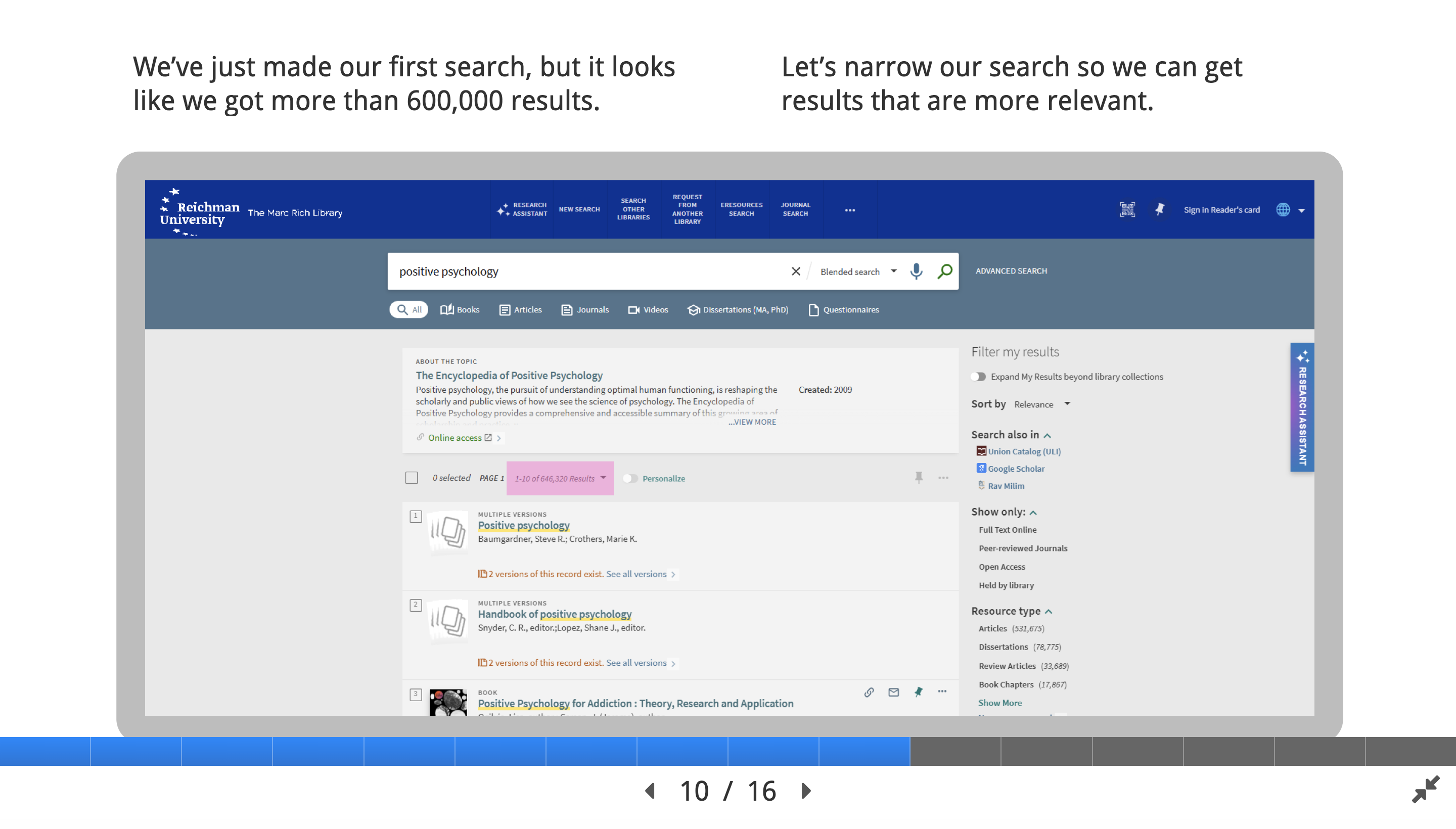
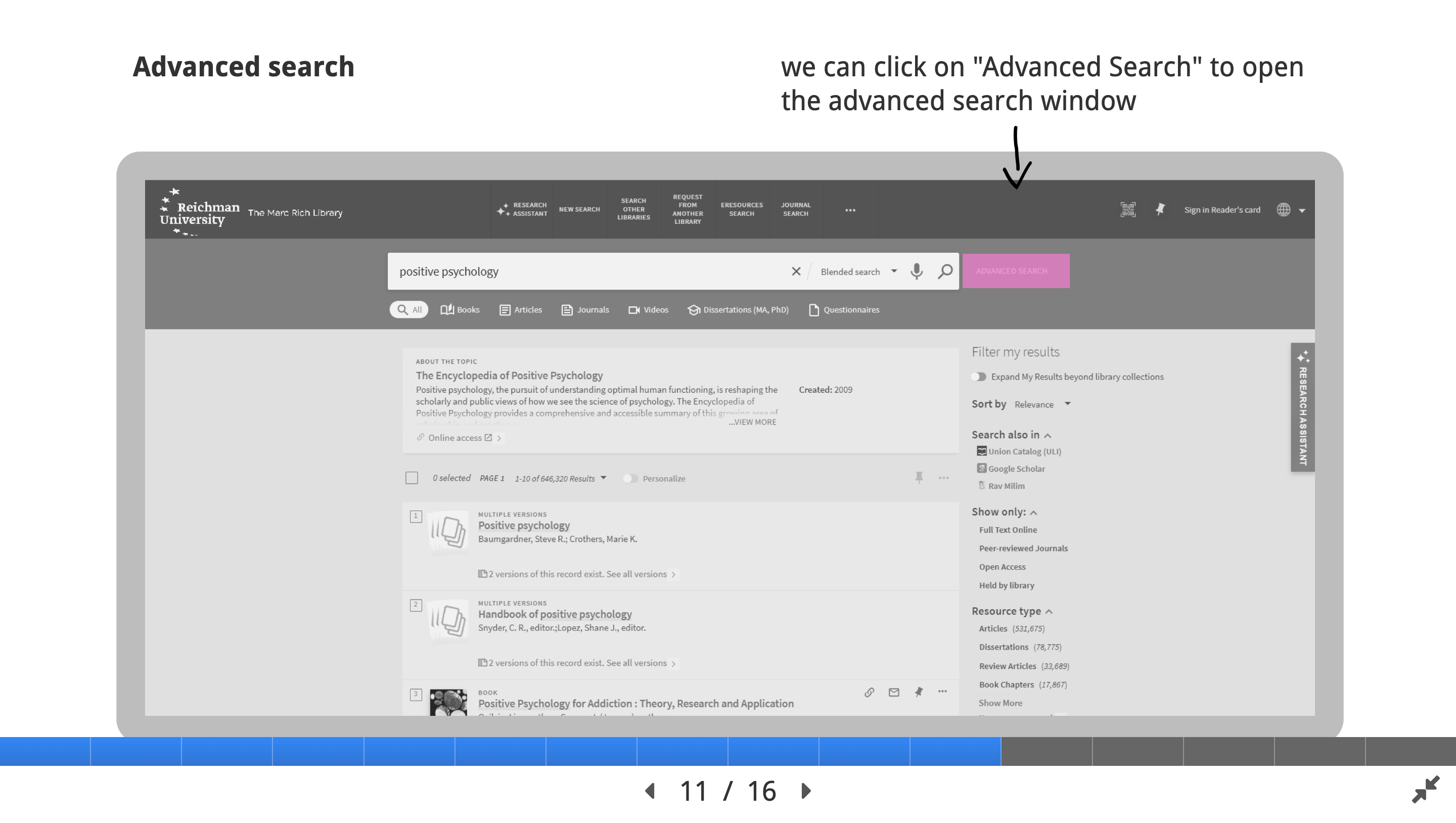
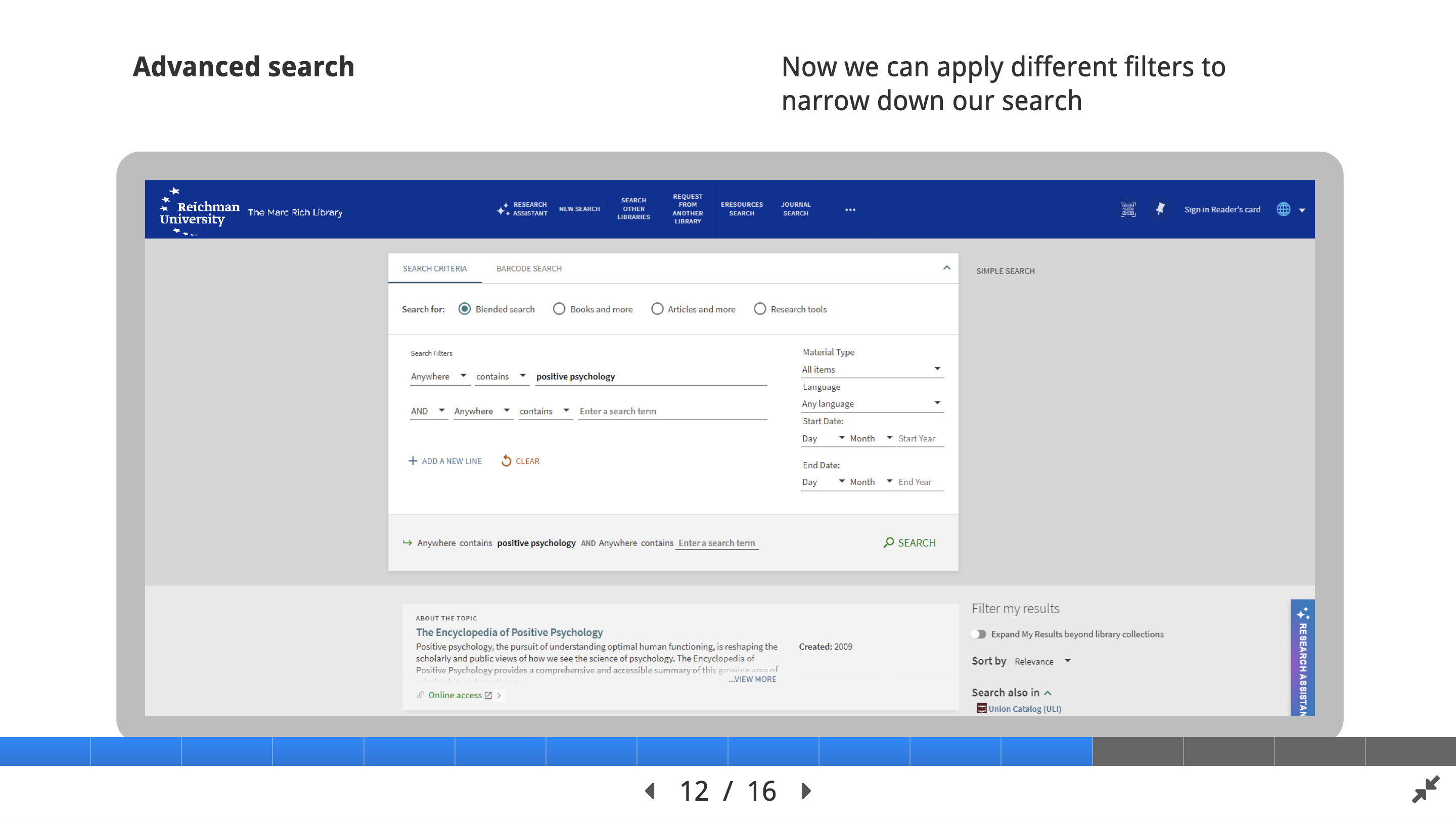
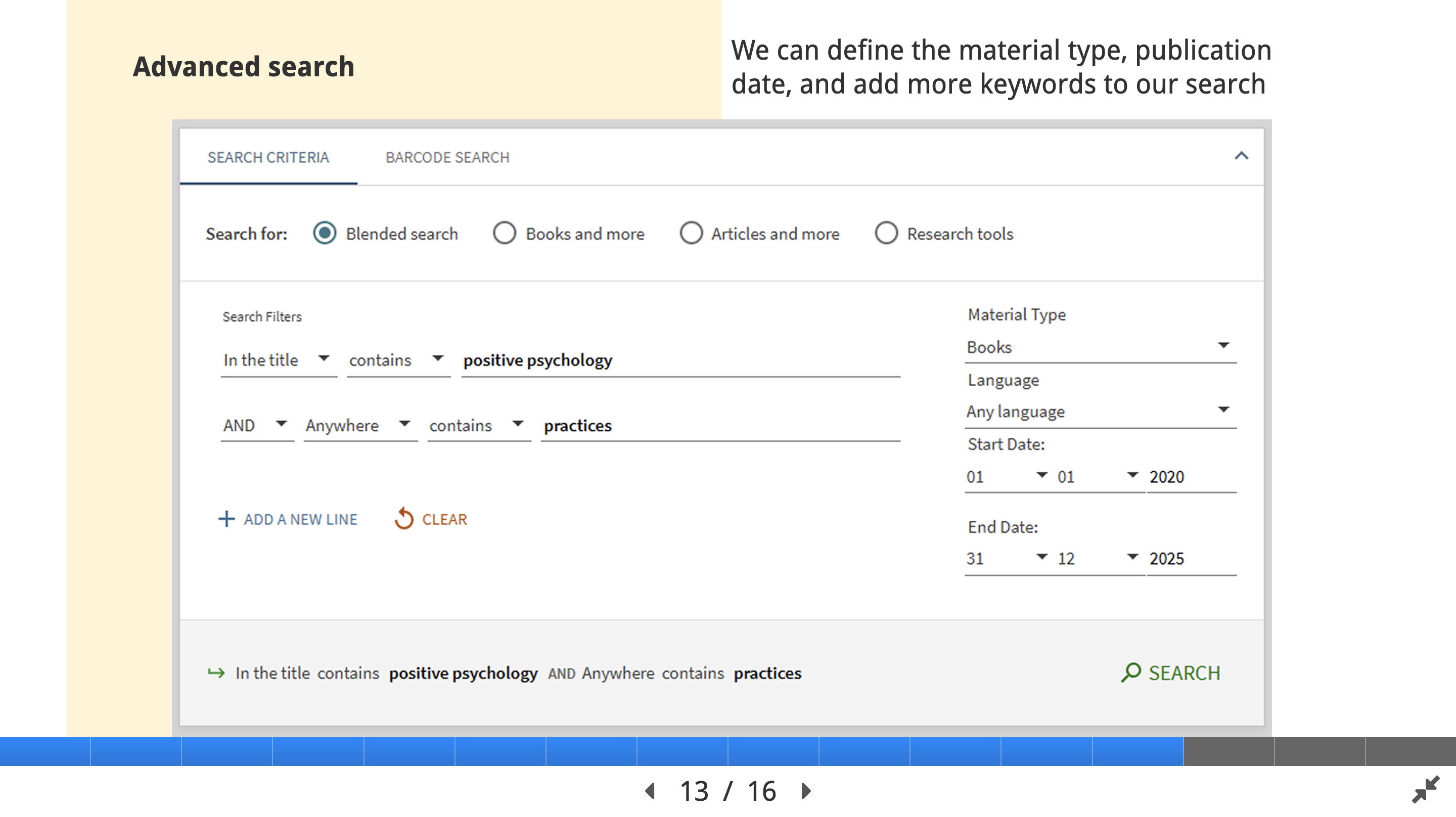
– Apply advanced search strategies such as Boolean operators, filters, and keywords to refine database searches and retrieve relevant results.
– Search and retrieve scholarly articles using multiple academic databases effectively.
Storyboard (UX)
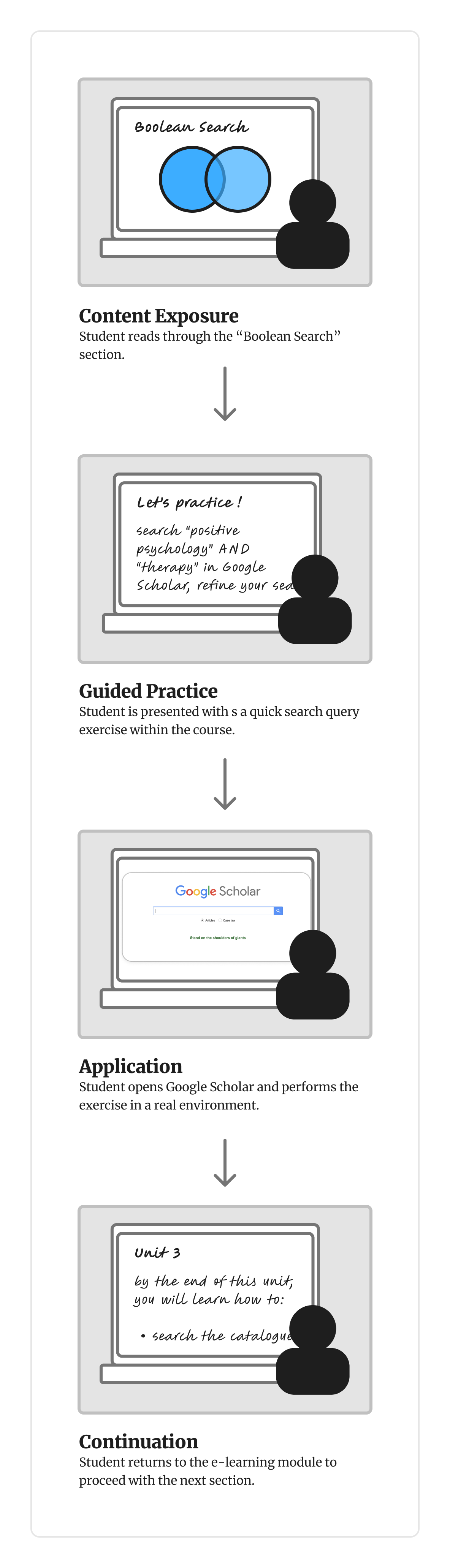
To visualise the learner experience, I created storyboards that mapped how students would progress through key moments of the learning sequence.
Development
During the development stage, I collaborated closely with the SMEs to refine the course structure and ensure each unit aligned with the established learning objectives. The feedback helped validate the accuracy of the content, adjust the sequence of topics for clarity, and identify opportunities to include practical examples and exercises that reinforce key research skills.

Collaborating with research librarians highlighted that different staff use varied search strategies, making it challenging to identify the most effective approach for new students.
Implementation
The e learning course was introduced during workshops where students worked in small groups to navigate the library databases and practice the search strategies covered in the modules. This collaborative approach allowed learners to explore the content at their own pace while supporting each other in real time.
The facilitators (research librarians) were available throughout the sessions to answer questions, clarify instructions, and provide guidance on completing tasks. By combining self directed learning with hands-on group activities and immediate expert support, the workshops helped reinforce the course content and build confidence in using the academic resources.



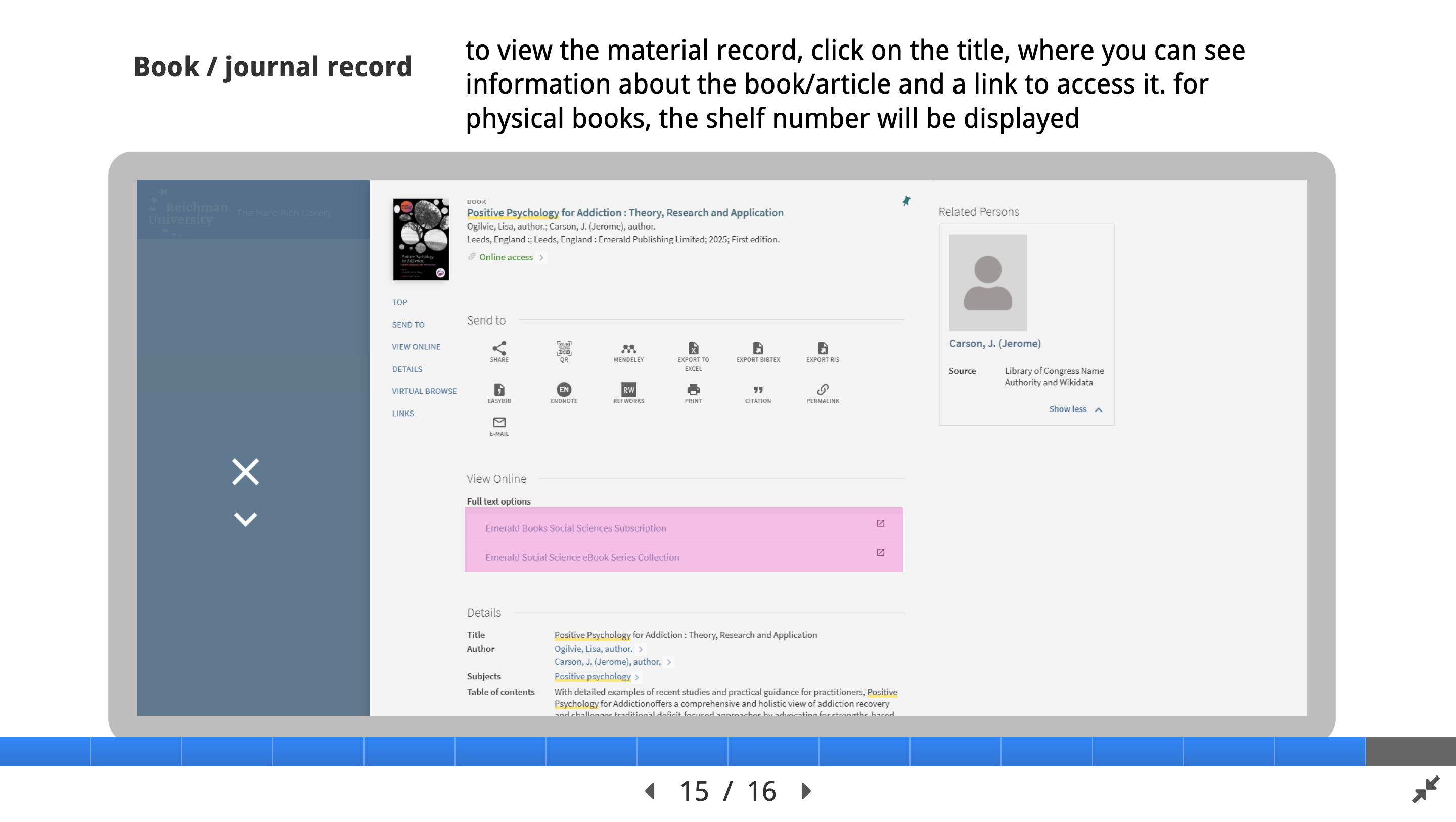
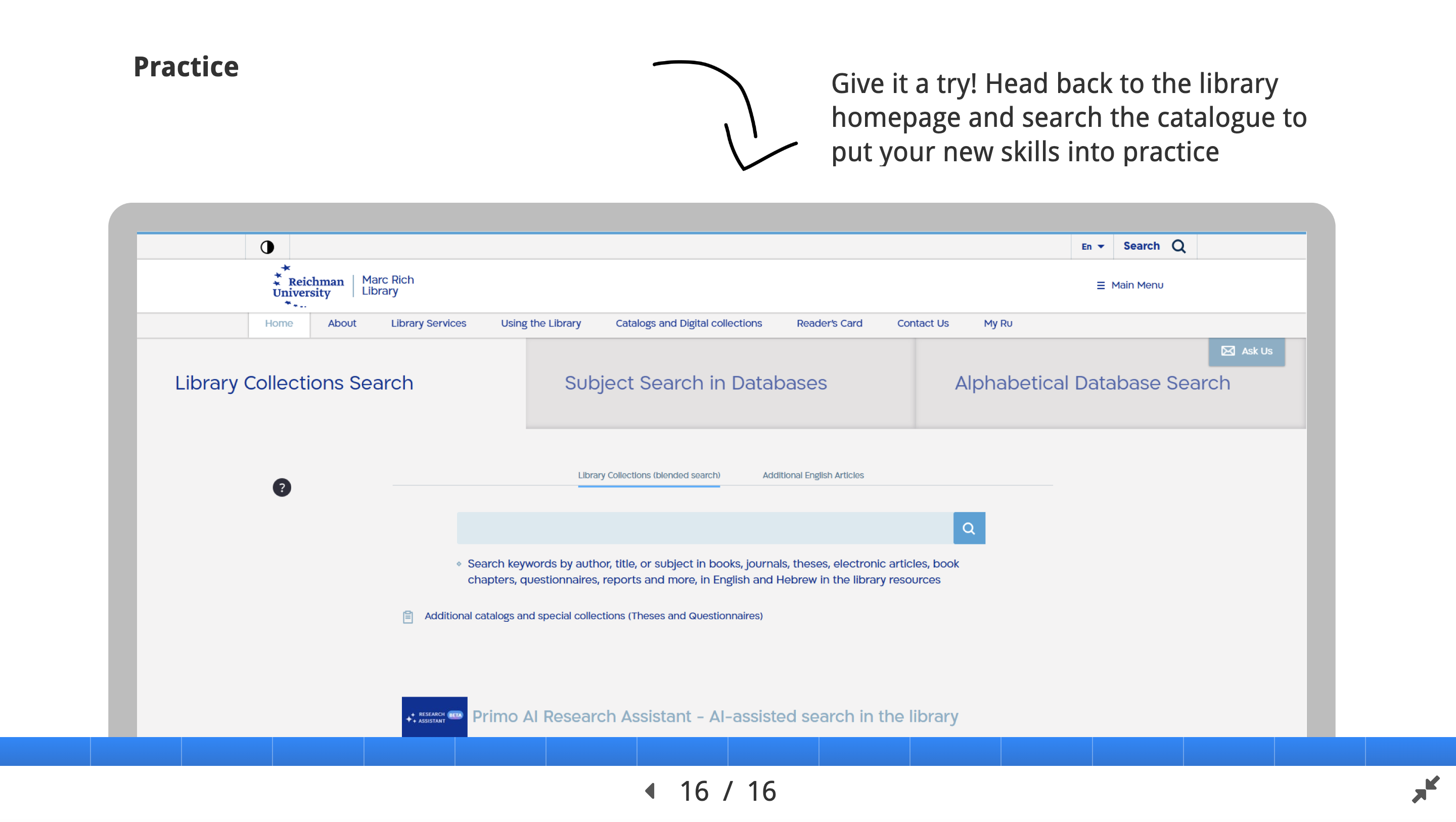
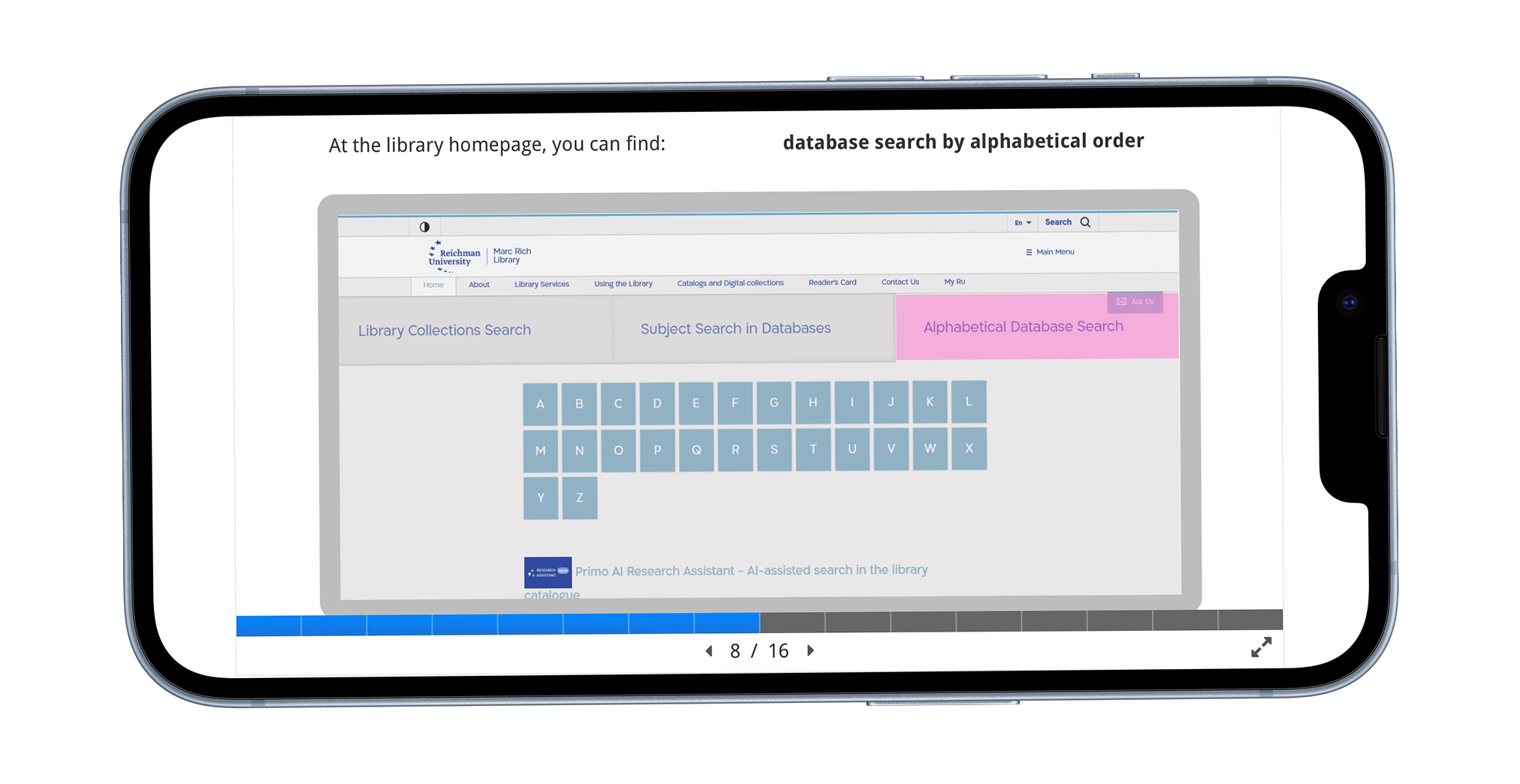
For accessibility & media:
- Added podcast versions of each unit (generated in NotebookLM) → Allows auditory learners to listen offline.
- Simplified graphics and typography for readability.
- Ensured colour contrast and alt text compliance.
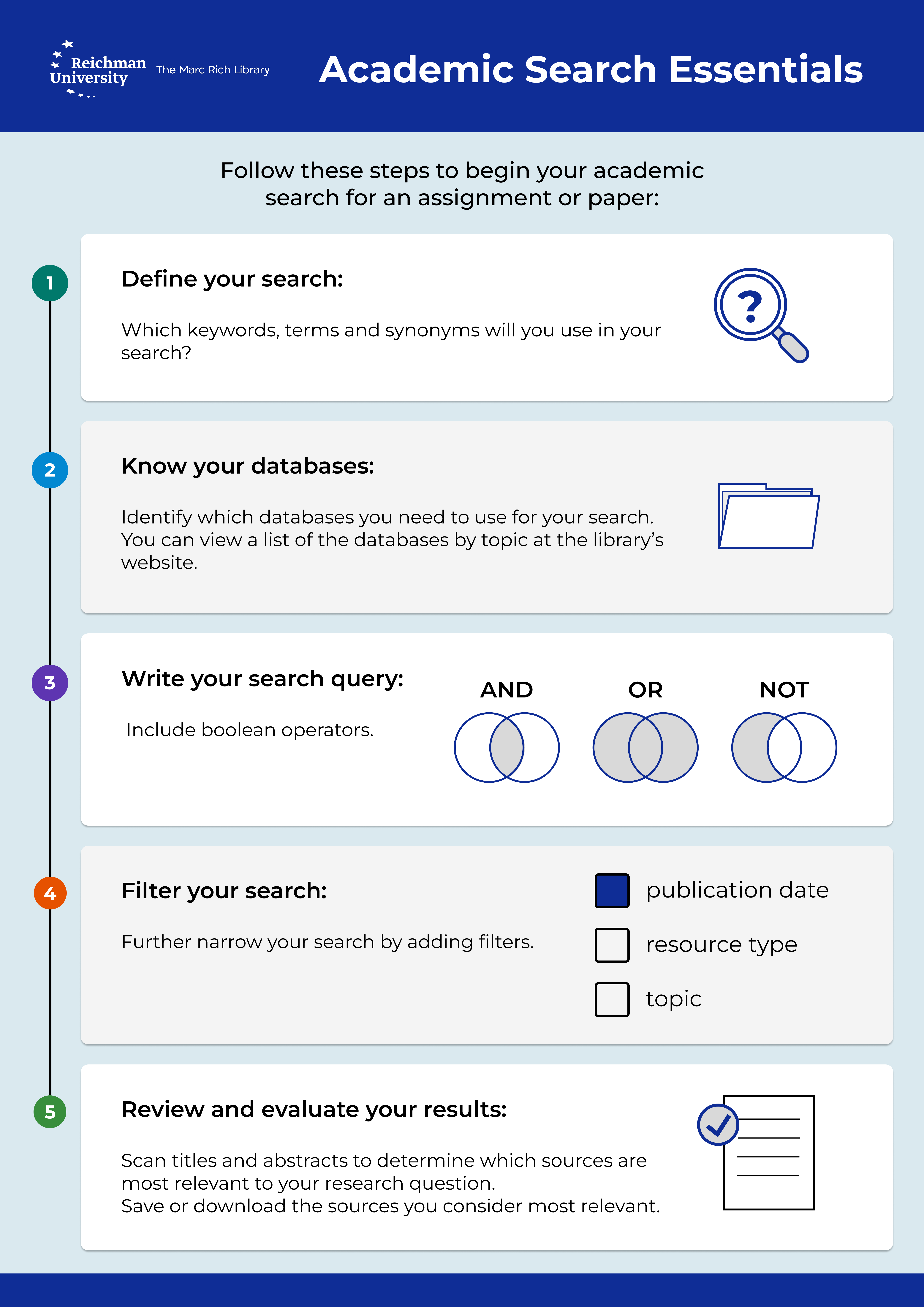
A concise job aid was created and shared with all participating students following the workshop.
Designed as a quick reference tool, the job aid supports students in applying what they learned when conducting independent academic research.
Future Directions
- Pilot: This version of the e learning module is still running as a pilot. Ideally, the old guide files will be removed from the website once the module is fully integrated to avoid redundant pathways.
- Moodle integration: Students often look for library resources in Moodle, but these are currently only available on the library website. Adding the research guide to Moodle would expand student reach and improve library visibility.
- Additional summative evaluation is required, which can be quite tricky for non-assessed learning modules.
Analyse → Identified difficulties in discovering and using library databases
Research → Collected survey feedback, mapped student needs, generated insights
Design → Defined learning objectives and structured content with SMEs
Develop → Built an e-learning module, reduced cognitive load, supported self paced learning
Implement → Piloted module in workshops:
- Higher engagement
- Clearer research workflows
- Increased student confidence
 Roni Lavner